SETUP GUIDE · AIRPLAY & CHROMECAST
How to Stream New Clear Radio via AirPlay and Chromecast
Your phone has the stream. Your speakers deserve it. Here's how to get New Clear Radio's 320kbps audio onto any screen or sound system in your home.
By NCR Editorial Published Updated 2 min read
Why cast your radio stream?
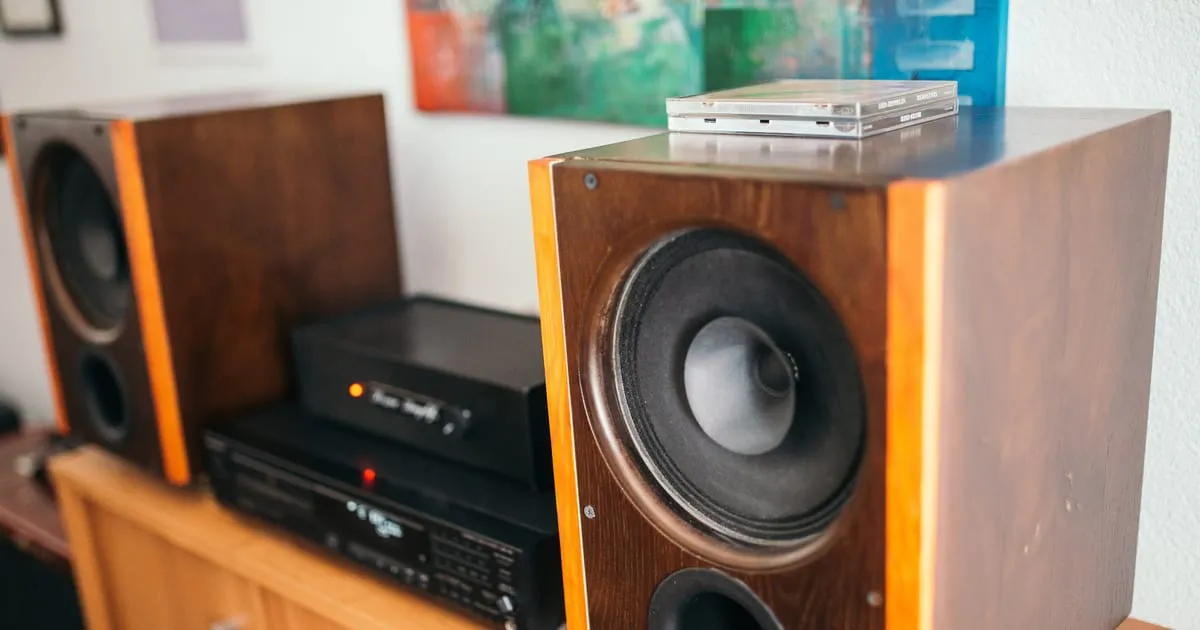
Phones have serviceable speakers; living-room systems do not. Casting sends the decoded audio to drivers and amplifiers designed for full-range listening. With New Clear Radio’s higher bitrates, casting is the quickest way to hear what those extra kilobits bought.
Streaming via AirPlay — step-by-step
From iPhone/iPad
Start playback in the New Clear Radio app or Safari, open Control Centre, tap the AirPlay icon, and select your HomePod, Apple TV, or AirPlay‑compatible speaker. Keep the phone unlocked briefly until the handshake completes.
From Mac
Click the Control Centre icon in the menu bar (macOS Ventura or newer), choose Screen Mirroring or the audio output control, then pick your AirPlay target. For browser playback, ensure the tab is actively playing before switching outputs.
To Apple TV
AirPlay directly to the Apple TV from iOS/macOS. If you prefer independence from phone display, initiate audio-only AirPlay so the TV or AV receiver handles sound while graphics stay off-screen.
Streaming via Chromecast — step-by-step
From Android
Open the Cast quick-settings tile or use the app’s cast control when supported. Choose your Chromecast, Chromecast Audio, or Cast-enabled speaker group. Confirm Wi‑Fi bands match (2.4 vs 5 GHz) for stable buffers.
From Chrome browser on desktop
Use the three-dot menu → Save and share → Cast… (wording varies by version) and pick the target device. Cast the tab that holds the player, not an inactive background tab.
To Chromecast-enabled TV or speaker
Select the device name; wait for the readiness chime. If the stream stutters, reduce competing bandwidth (large downloads, 4K video) on the same network.
Troubleshooting common issues
Drops: Move closer to the router or wire the cast receiver via Ethernet. Quality fallback: Re-open the bitrate picker and lock 320kbps when on Wi‑Fi. Buffering: Close background VPNs or battery savers that throttle audio apps.
Getting the best audio quality when casting
Set New Clear Radio to 320kbps before initiating a cast so the encoder upstream sends maximum detail; see 320kbps radio streaming for practical notes.
Other ways to listen: Bluetooth, car
Bluetooth remains convenient but codec-dependent. For long drives, review streaming internet radio in your car via Bluetooth alongside casting at home.