SETUP GUIDE · CAR STREAMING
How to Stream Internet Radio in Your Car via Bluetooth
Your car stereo is probably the best speaker you own. Here's how to get New Clear Radio's 320kbps stream through it — on every drive.
By NCR Editorial Published Updated 1 min read
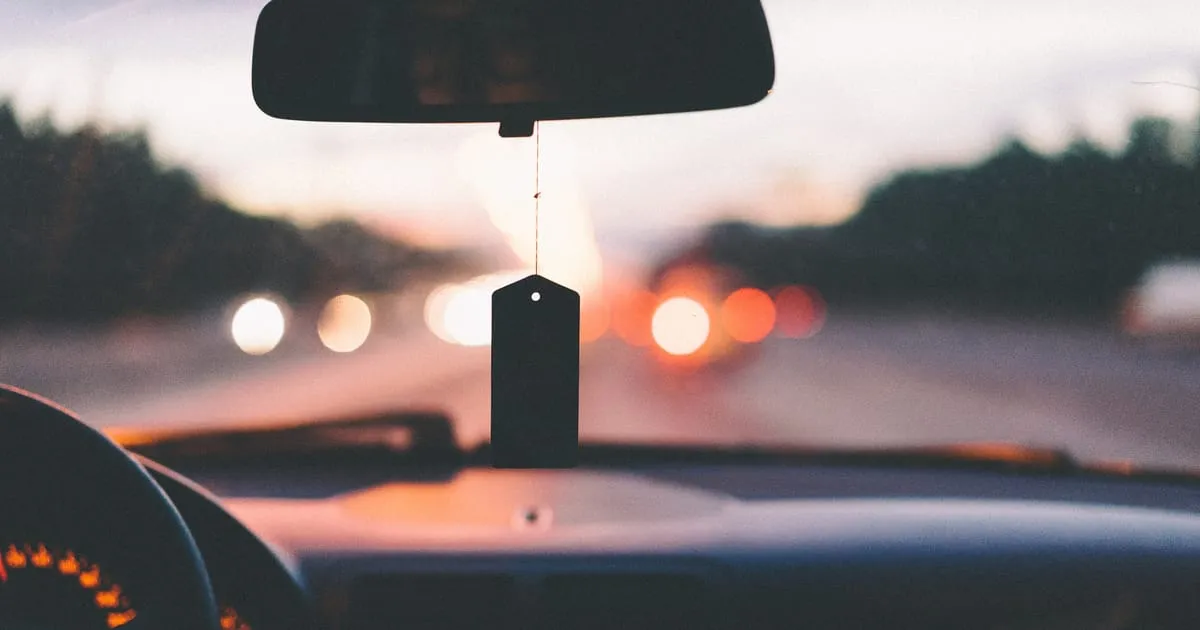
The three ways to get internet radio in your car
- Bluetooth — pairs phone audio to the head unit wirelessly.
- AUX cable — analogue fallback with minimal latency when a 3.5 mm port exists.
- Apple CarPlay / Android Auto — integrates phone audio apps into dashboard UI.
Bluetooth setup — step by step
iOS: Settings → Bluetooth → pair your car. Start New Clear Radio, then use the car’s media source button until phone audio plays.
Android: Settings → Connected devices → pair. Disable battery optimisations for the radio app if the OS kills background audio.
CarPlay setup — step by step
Plug in via USB (wireless CarPlay on supported vehicles). Launch the New Clear Radio app from the CarPlay grid; favour wired connection if Wi‑Fi handoff is flaky.
Android Auto setup — step by step
USB connection to supported receivers, accept permissions for audio focus, then pin New Clear Radio to the launcher for one-tap access.
AUX cable — when and how
Use when Bluetooth codecs are limited or pairing fails mid-trip. Keep a short shielded cable to reduce alternator whine on older vehicles.
Data usage: what to expect
Approximate consumption: about 86 MB per hour at 192kbps and 144 MB per hour at 320kbps. Plans with small data caps should pre-download app assets on Wi‑Fi and monitor monthly totals.
Offline tip: download the app before a long drive for stable buffering
Install updates and log in while on Wi‑Fi so cellular time is spent only on audio frames, not authentication handshakes.
Recommended: always use 320kbps for car audio
Road noise masks subtlety—give the encoder more bits so cymbals still cut through. Read 320kbps radio streaming for quick setup.